Scan QR Code by using SmarTone mobile network
Please scan QR Code
Please scan QR Code
Please scan QR Code
Please scan QR Code
Please scan QR Code
Please scan QR Code
Please scan the QR code and subscribe via SmarTone CARE app
Please scan QR Code
Please scan the QR code and subscribe via SmarTone CARE app
Please scan the QR code and download the App
Please scan the QR code
Please scan QR Code
Please scan QR Code
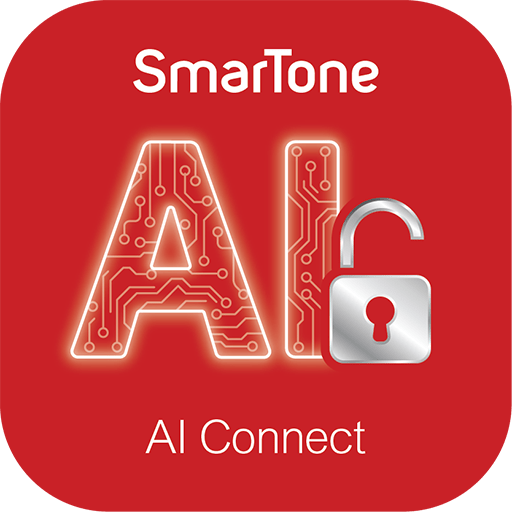
AI Connect empowers you to seamlessly access a suite of global leading AI platforms, including web-based ChatGPT, DALL·E and more, through your mobile network. No additional device settings or third-party apps are required for an unrivalled innovative AI experience.
Yes.
To use the AI Connect service, it must be paired with SmarTone’s designated network settings. Upon your application, if your current network settings differ from the required AI Connect settings, we will automatically adjust them for you so that you can enjoy a seamless experience. Should you have any inquiries regarding these network updates or require assistance, please feel free to call our 24-hour service hotline at (852) 2880 2688. We are always ready to help.
SmarTone customers can subscribe to the service at $38/month. For local usage, data will be deducted from your local mobile data plan. For overseas usage, charges will apply according to your selected roaming data plan.
Simply open the SmarTone CARE App and enable AI Connect to seamlessly access to the web versions of designated AI platforms. No additional apps or phone reconfiguration are required, it’s simple, convenient and worry-free.
AI Connect supports access to the web versions of ChatGPT, DALL·E and more.
AI Connect needs to verify your web domain before it can connect to the web versions of AI platforms. Please make sure you have turned off any third-party VPN or iCloud Private Relay, as these features may change your original domain and prevent verification. After turning off the above features, we recommend that you turn on and then turn off Airplane Mode to reconnect your mobile network to SmarTone. If you still cannot connect, visit our store for assistance from our customer service specialists.
No. A third-party VPN hides your web domain, preventing AI Connect verification and connection to the AI platforms’ web versions. Please turn off all VPN functions before using this service.
No. iCloud Private Relay hides your web domain, preventing AI Connect verification and connection to the AI platforms’ web versions. To use the service, go to Settings to turn off Private Relay.
Yes. AI Connect does not affect your browsing to other websites; you can continue browsing as usual.
Yes. You can use the service via roaming data, and charges will apply according to your selected roaming data plan.
No. SmarTone prioritizes your privacy—we do not review or store your conversations in AI platforms. You can use the service with confidence. For more details, please refer to our Privacy Policy.